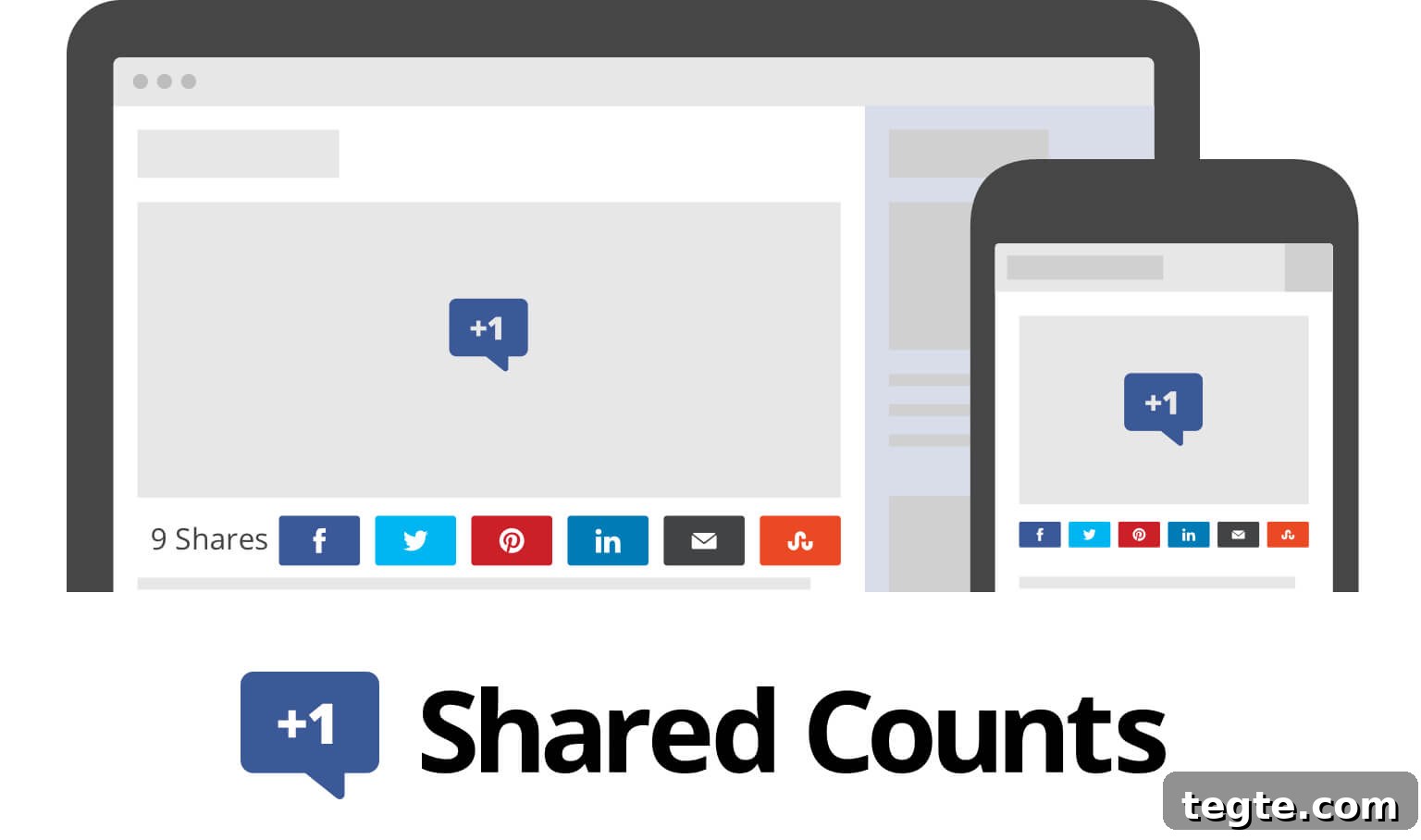
Today Jared and I are pleased to announce the public release of Shared Counts, a lightweight social sharing plugin that makes it simple to:
- Show social sharing buttons in a variety of styles
- Retrieve counts from Facebook, Twitter, Pinterest, Yummly, StumbleUpon, and email
- Preserve share counts when moving from HTTP to HTTPS
- Identify your most popular content
- Keep your site fast with lean assets and efficient caching
Retain old share counts
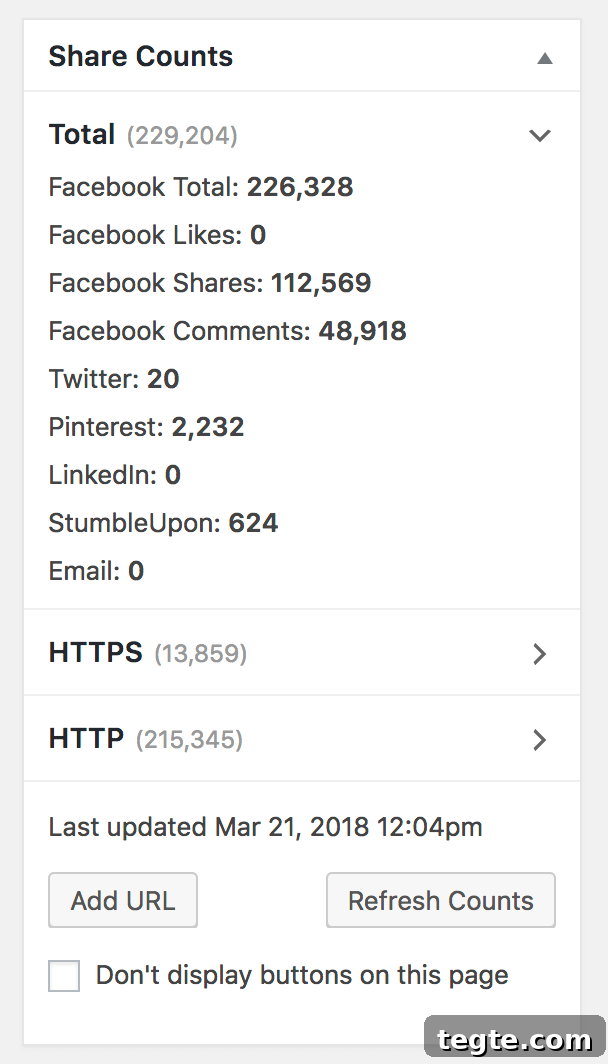
The headline feature is the ability to preserve share counts after changing URLs. Since every site should run on HTTPS for security and SEO, it’s common to lose visible social shares when URLs change. For example, one client had 215k shares on the old HTTP URL but only 13k recorded after switching to HTTPS. Many sharing plugins would only display the smaller number.
With the “Preserve HTTP Counts” option enabled, the plugin requests counts for both HTTP and HTTPS versions of the URL, stores them separately, and sums them for display on the frontend. You can also add any previous permalinks manually to include their counts. There’s no limit to how many URLs you can attach to a post, though each added URL generates an extra API query.
Advanced users can fine-tune this behavior with built-in filters. For instance, if you know when a post was switched to HTTPS, you can check the post’s published date to skip unnecessary HTTP queries for posts initially published on HTTPS. This reduces API usage and keeps updates efficient.
Discover your most popular content
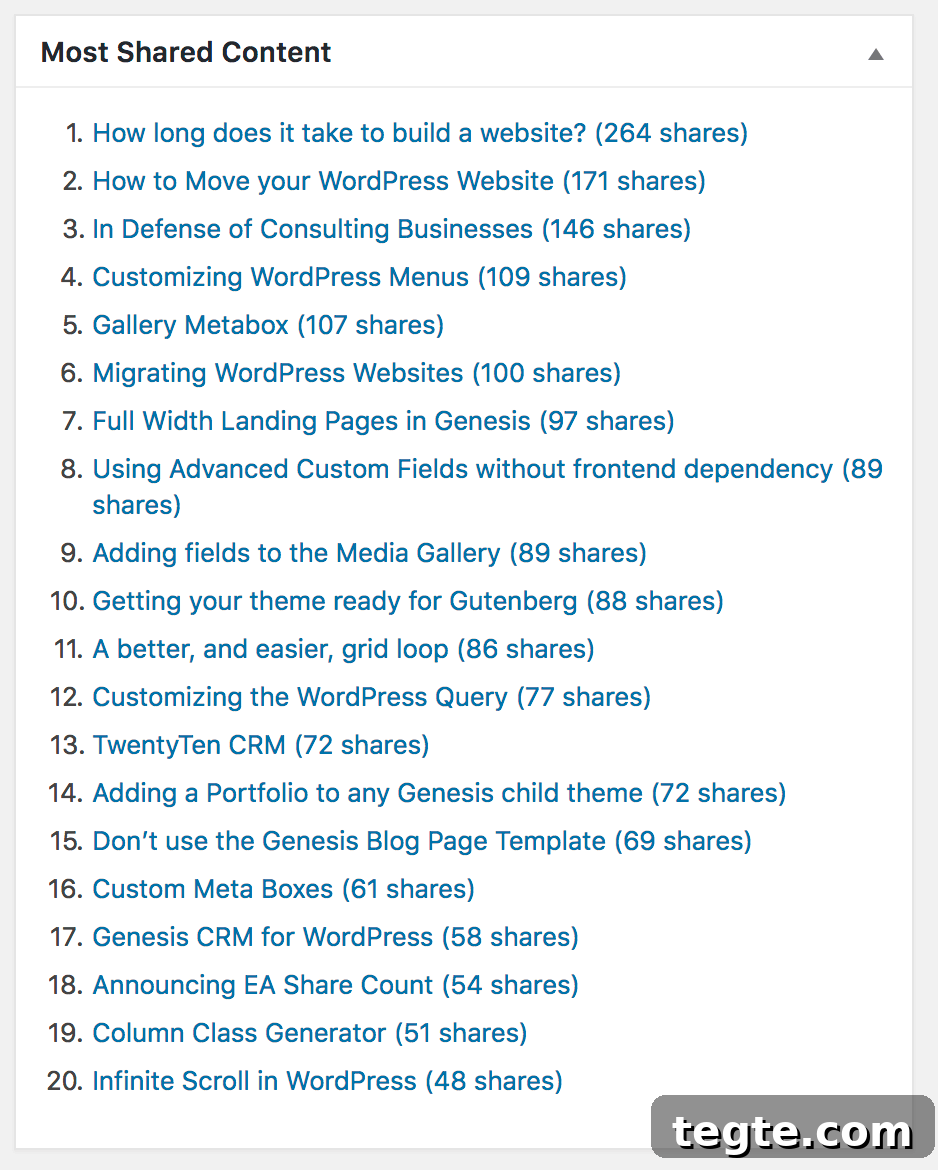
Shared Counts includes a dashboard widget that lists your 20 most popular posts by share count. It also adds a sortable column to the Edit Posts screen so you can sort posts by social popularity, letting you quickly find top-performing posts by category or month.
While editing a post you’ll see a “Share Counts” metabox showing a breakdown of totals by service and by URL. The plugin stores the aggregate share count in a dedicated meta key (shared_counts_total), which you can use in WordPress queries to build “Popular Posts” sections or other features driven by share data.
Integrated with SharedCount.com
We recommend creating a free account at SharedCount.com and using their API to fetch counts. SharedCount consolidates Facebook, Pinterest, and StumbleUpon counts in a single API request and tends to be more consistent than the native Facebook endpoint. The free plan includes 500 API queries per day; connecting a Facebook account raises that to 10,000 queries per day, which is sufficient for most sites with fewer than 5,000 posts.
If you approach your query limit, you can adjust how frequently counts are updated to reduce API calls.
Migrating from EA Share Count
Shared Counts evolves from our earlier plugin, EA Share Count. About 90% of Shared Counts’ code originated there, but we created a non-backwards-compatible fork to support features like preserving HTTP counts. EA Share Count remains a solid option, so you don’t need to switch unless you want the new capabilities.
If you decide to migrate, a simple upgrade path is:
- Keep EA Share Count installed and active
- Install and activate Shared Counts
- Open both plugins’ settings pages in separate tabs and copy relevant data (for example, your SharedCount API key)
- Deactivate EA Share Count
- Choose a theme location for Shared Counts to display (for example, before content)
After activating Shared Counts you may see “0 shares” initially while caches rebuild over 24–48 hours. Advanced users can preserve existing cached counts by renaming post meta keys with WP-CLI instead of waiting for the rebuild.
Any custom filters from EA Share Count will need minor updates to match Shared Counts’ filter names. Most hooks behave the same, but you should also update any CSS customizations to reflect the new classes.
Try it out!
Shared Counts has been under development for more than six months, and we’re excited to release it through WordPress.org for easy installation and updates. The project is also available on GitHub for collaboration and issue reporting. We hope you find the plugin useful and that it helps you maintain accurate share counts, improve user experience, and discover top-performing content on your site.
If you have questions or feedback, please leave a comment on the original announcement or in the plugin’s support channels.